How to Stop Overselling on Shopify
By Canopy Team

Quick answer
Overselling on Shopify happens when your store accepts orders for products you no longer have in stock. The main causes are Shopify-specific: inventory sync delays between channels, bundle products not decrementing component stock, manual count errors compounding over time, and race conditions during high-traffic events. To stop it, you need real-time stock tracking at the variant level, barcode-verified counts, component-level bundle tracking, and safety buffer thresholds that mark products as sold out before they actually hit zero.
Why overselling is a trust problem, not just a stock problem
When a customer places an order and later receives a "sorry, this item is no longer available" email, you have damaged something harder to rebuild than revenue: trust. They expected a product. They may have paid for it. They may have told someone about it. Now you are asking them to accept a refund and try again. Some will. Many will buy from a competitor instead and never return.
Why Shopify specifically is vulnerable to overselling
Shopify is built as a selling platform, not an inventory management system. It tracks stock quantities per location, but it does not handle several scenarios that cause overselling in growing brands. Shopify does not natively decompose bundles into component stock. It does not distinguish between total stock and available-to-sell stock (after wholesale commitments). And during traffic spikes, there is a brief window where multiple customers can add the same unit to their cart before the inventory count updates. These are not bugs. They are limitations of a platform designed primarily for selling, not for inventory control.
Cause 1: Inventory sync delays between channels
If you sell on Shopify, Amazon, and a wholesale channel, a sale on Amazon needs to reduce available stock on Shopify immediately. In practice, most multi-channel setups have a sync delay of anywhere from 5 minutes to several hours. During that window, the same unit can be sold twice. The fix for small brands is to hold a buffer — if you have 10 units, set your available quantity to 8 on each channel. The fix for larger brands is a centralised inventory system that updates all channels from a single source of truth in near real-time.
Cause 2: Manual stock count errors
If someone miscounts during a stocktake and enters 50 units when there are actually 35, you have 15 phantom units in your system. Those 15 units will be sold to customers who will never receive them. Manual counting errors compound over time. Each small error adds or removes phantom stock, and the gap between system stock and physical stock widens with every passing week. The fix is barcode scanning for all stock movements — goods in, goods out, transfers, and stocktakes. Scanning removes the human counting error that causes phantom stock.
Cause 3: Bundle products not decrementing correctly
A bundle containing a harness, collar, and lead should reduce stock on all three component SKUs when sold. If the bundle only reduces its own inventory line (the bundle SKU) without touching the component SKUs, those components appear available for individual sale when they have actually been allocated to a bundle order. This is one of the most common causes of overselling in Shopify stores with bundles. Shopify's native inventory does not automatically decompose bundles into component stock deductions. You need either a bundle app or an inventory management system that handles component-level stock tracking.
Most Shopify brands do not know how exposed they are to overselling until they audit their inventory setup. A 2-minute check shows you where the gaps are.
Canopy gives Shopify brands the inventory clarity they need to grow.
Cause 4: Flash sales and high-traffic spikes
During a flash sale, email campaign drop, or influencer mention, order volume can spike dramatically in a short window. Shopify processes orders sequentially, but there is a brief window where multiple customers can add the same unit to their cart before inventory is decremented. On a normal day with 20 orders per hour, this is not a problem. On a day with 200 orders per hour, it causes overselling on low-stock items. The fix is to set a minimum stock threshold below which the product is automatically hidden or marked as "sold out". If you have 5 units left, setting the threshold at 3 means Shopify shows "sold out" when you still have 3 units in reserve — protecting you from the race condition.
Cause 5: Pre-orders and committed stock
If you accept pre-orders or have wholesale commitments against your inventory, those units are spoken for but may still show as "available" in Shopify. A customer browsing your store sees 50 units available, but 30 of those are committed to a wholesale order shipping next week. Only 20 are truly available for DTC sale. If your system does not distinguish between total stock and available-to-sell stock, you will oversell the difference.
Cause 6: Returns processed incorrectly
When a return arrives, stock needs to be added back to inventory only after the item is inspected and confirmed sellable. If returns are automatically restocked the moment a refund is issued (before the item has physically arrived and been checked), you may be selling items that have not been returned yet, or items that arrive damaged and cannot be resold. The fix is a two-step return process: issue the refund, then restock only after physical inspection confirms the item is in sellable condition.
Cause 7: Warehouse location mismatches
If Shopify says you have 20 units at your warehouse but 5 of those are in a container in the car park that has not been unpacked yet, those 5 units are not actually available for picking. Multi-location inventory helps, but only if stock is accurately allocated to the correct location and not marked as "available" until it is physically in the pick area and ready to ship.
Quick fixes you can implement today
- Uncheck "Continue selling when out of stock" on every product in Shopify admin. This is enabled by default on some setups.
- Set a safety buffer of 3-5 units on high-velocity products. Manually reduce the Shopify stock count by your buffer so the system shows "sold out" before you truly hit zero.
- Process returns in two steps: issue the refund immediately, but only restock the item after physically inspecting the return.
- If selling on multiple channels, reduce available quantity on each channel by 10-15% to create a sync-delay buffer.
Long-term fixes that eliminate overselling permanently
- Implement real-time inventory tracking from a single source of truth, synced to all sales channels automatically.
- Use barcode scanning for every stock movement — goods in, goods out, transfers, and stocktakes. This eliminates the counting errors that create phantom stock.
- Track bundle stock at the component level. Every bundle sale must reduce component SKU quantities, not just the bundle SKU.
- Distinguish between total stock and available-to-sell stock. Wholesale commitments, pre-orders, and unverified returns should reduce available quantity without touching total stock.
- Reconcile physical stock against system stock weekly. Monthly is not frequent enough for growing brands.
Overselling is a system problem, not a people problem. The right inventory setup prevents it automatically. Canopy tracks stock at the variant level with real-time Shopify sync, bundle decomposition, and barcode scanning.
Canopy gives Shopify brands the inventory clarity they need to grow.



Frequently Asked Questions
Shopify allows overselling by default because some merchants intentionally accept orders beyond current stock (backorders). You can disable this in Shopify admin under product settings by unchecking "Continue selling when out of stock". However, this only prevents sales at zero stock — it does not prevent the sync delays and counting errors that cause overselling above zero.
Shopify does not natively decompose bundles into component stock. You need a bundle app or inventory management system that tracks each component SKU separately and reduces all component quantities when a bundle is sold. Without this, your bundle can show as available even when a component is out of stock.
A common approach is to set your "sold out" threshold at 3-5 units rather than zero. This creates a buffer that absorbs sync delays and counting errors. The exact number depends on your daily sales velocity — higher velocity products need a larger buffer.
No system can guarantee zero overselling in every scenario, especially during extreme traffic spikes. But the combination of real-time inventory sync, barcode-verified stock counts, component-level bundle tracking, and minimum stock thresholds reduces overselling to near zero for most Shopify brands.
Direct costs include refund processing fees, customer service time, and replacement shipping if you send an alternative. Indirect costs are harder to measure but larger: lost customer trust, negative reviews, and lifetime value of customers who never return. For most brands, the cost of preventing overselling is far lower than the cost of allowing it.
Related pages
Check your overselling risk with a free 2-minute inventory audit
Real-time stock tracking built to prevent overselling
Why Shopify native inventory is not enough for growing brands
Replacing Stocky before the August 2026 shutdown
Related Articles

Why Shopify Brands Run Out of Stock (And How to Fix It)
The 7 most common reasons Shopify brands experience stockouts on their best sellers — and practical fixes for each one. No generic advice, just actionable steps.
Shopify Inventory Management in 2026: What's Built In, What's Missing & What You Actually Need
Shopify's native inventory features have improved, but critical gaps remain. This guide covers what Shopify can and can't do for inventory management, the best apps to fill the gaps, and how to build a system that scales.
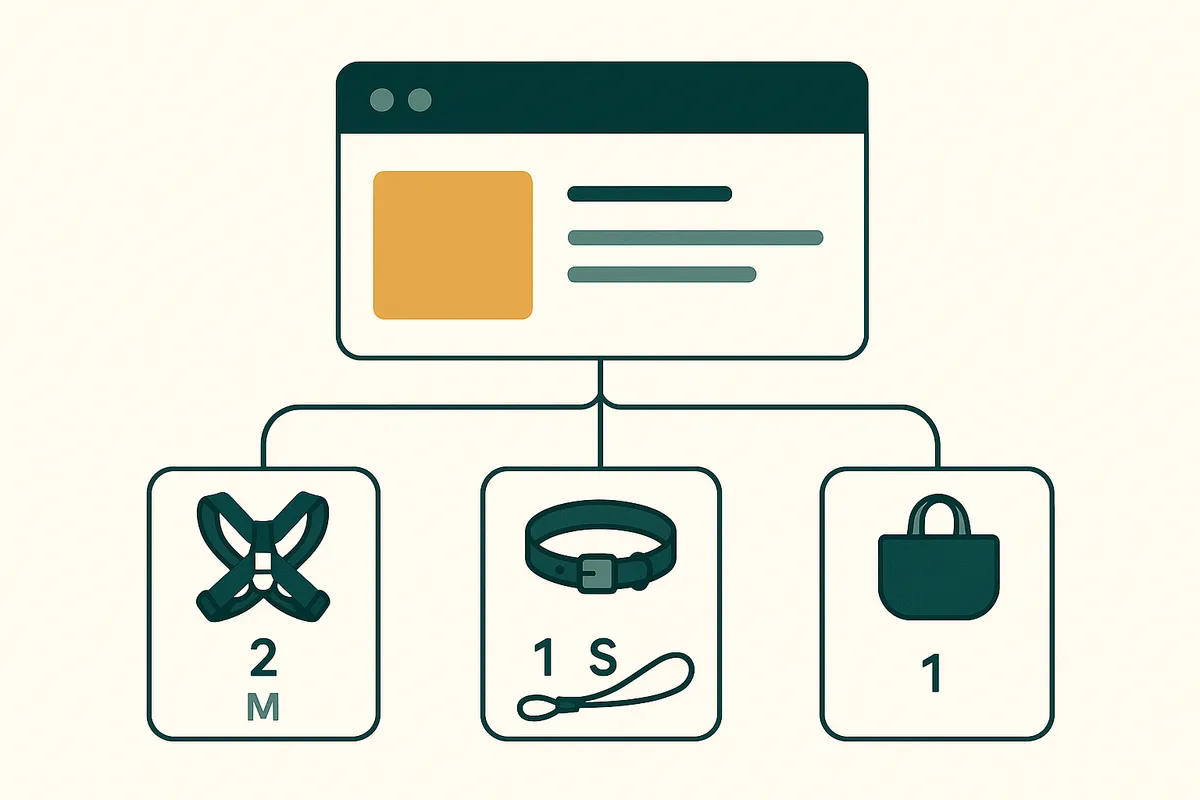
Shopify Bundle Inventory Management: How to Track Component Stock Without Losing Your Mind
Managing bundle inventory on Shopify is complex — component tracking, MIN calculation, overselling prevention. Learn how brands with 151+ bundles handle it without spreadsheet chaos.
What Happens to Your Stocky Data After It Shuts Down?
Shopify is removing Stocky on 31 August 2026. Here is exactly what happens to your purchase orders, supplier records, and forecasting data — and what you need to export before the deadline.
Get early access to Canopy
The inventory system built for Shopify brands. No spam — just a heads-up when we launch.