Best Barcode Scanners for Shopify Inventory Management
By Canopy Team
Quick answer
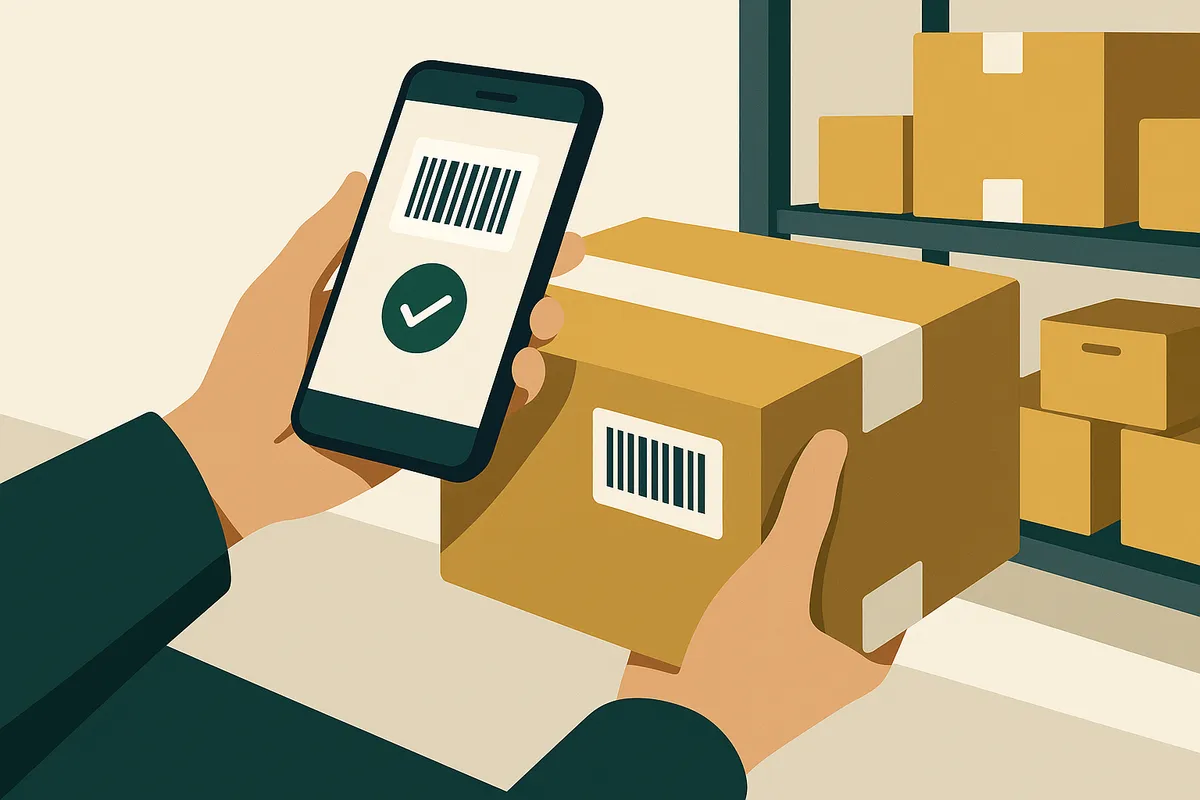
The best barcode scanner for Shopify inventory depends on your warehouse size and daily scan volume. For most Shopify brands doing 50-200 scans per day, the Socket Mobile S740 (£250, Bluetooth) offers the best balance of speed, durability, and compatibility. For high-volume operations doing 500+ scans daily, the Zebra DS2208 (£150, USB) is the warehouse standard. For brands just starting out, your phone camera with a scanning app works fine under 50 scans per day — but you will outgrow it quickly.
Why the right scanner matters more than you think
Barcode scanning hardware is one of those decisions that feels trivial until you get it wrong. The wrong scanner does not just slow you down — it actively damages your inventory accuracy. A scanner that drops Bluetooth connections mid-receive means partial stock updates. A scanner that cannot read damaged or curved barcodes means manual entry fallback, which reintroduces the human error you bought the scanner to eliminate. The difference between a £30 Amazon scanner and a £250 professional unit is not just build quality. It is scan reliability under real warehouse conditions: dusty environments, curved product surfaces, barcodes printed on reflective packaging, labels that have been through 120 days of sea freight from China.
The three types of barcode scanning for Shopify
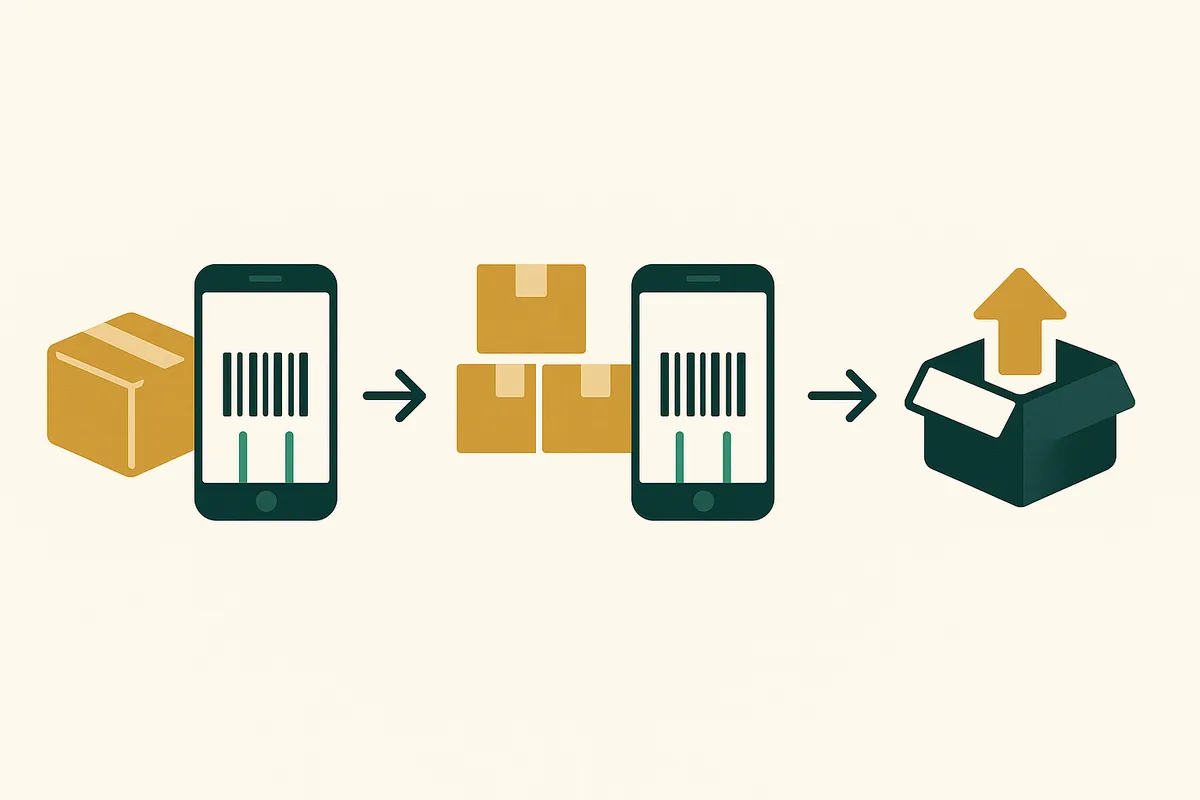
There are three distinct approaches to barcode scanning in a Shopify operation, and each serves a different stage of business growth.
Phone-based scanning uses your smartphone camera with the Shopify mobile app or a third-party scanning app. It is free (you already have the phone), requires no additional hardware, and works immediately. The downsides: scanning speed is limited by camera autofocus (typically 1-2 seconds per scan vs 0.1 seconds for a dedicated scanner), you need to hold the phone steady, and battery drain during long receiving sessions is significant. Good for under 50 scans per day.
Bluetooth handheld scanners pair with your phone or tablet via Bluetooth and feed scan data directly into whatever app is in the foreground. They are purpose-built for scanning — faster, more reliable, and ergonomically designed for repetitive use. The Socket Mobile S740 and Zebra CS6080 are the two most popular options. Good for 50-500 scans per day.
USB wired scanners connect to a desktop or laptop computer. They are the fastest and most reliable option — no battery concerns, no Bluetooth dropouts, instant scan registration. The trade-off is mobility: you are tethered to a desk. For receiving stations where products come to you, this is ideal. For walking around a warehouse doing stocktakes, it is not practical. Good for high-volume fixed-position work.
Hardware comparison: the scanners worth considering
Zebra DS2208 — The workhorse. USB corded, reads 1D and 2D barcodes, IP42 dust/water resistance. Scans up to 100 reads per second with a 30cm range. £120-160 depending on supplier. This is the scanner you see in every professional warehouse. It is not glamorous, but it does not break, and it does not miss scans. If you have a dedicated receiving station, this is the default choice.
Socket Mobile S740 — The mobility champion. Bluetooth, pairs with iOS and Android, reads 1D and 2D codes, 16-hour battery life. £230-270. This is what Bailey & Coco use for receiving because their warehouse staff move between locations during a receive. The Bluetooth connection is rock-solid (Apple MFi certified for iOS), and the battery comfortably lasts a full day of heavy scanning.
Tera HW0002 — The budget option. USB corded, reads 1D and 2D barcodes, basic plastic construction. £25-40 on Amazon. For a brand just starting out that wants to upgrade from phone scanning without spending £200+, this is functional. It will read most barcodes in good conditions. It will struggle with damaged labels, curved surfaces, and the accumulated grime of a working warehouse. Plan to replace it within 12-18 months.
Zebra CS6080 — The premium Bluetooth option. Companion scanner designed for pairing with Zebra mobile computers or any Bluetooth device. £350-420. Military-grade durability, scan-from-any-angle capability, and enterprise Bluetooth management. Overkill for most Shopify brands unless you are doing 500+ scans daily across multiple warehouse zones.
How Bailey & Coco chose their scanning setup
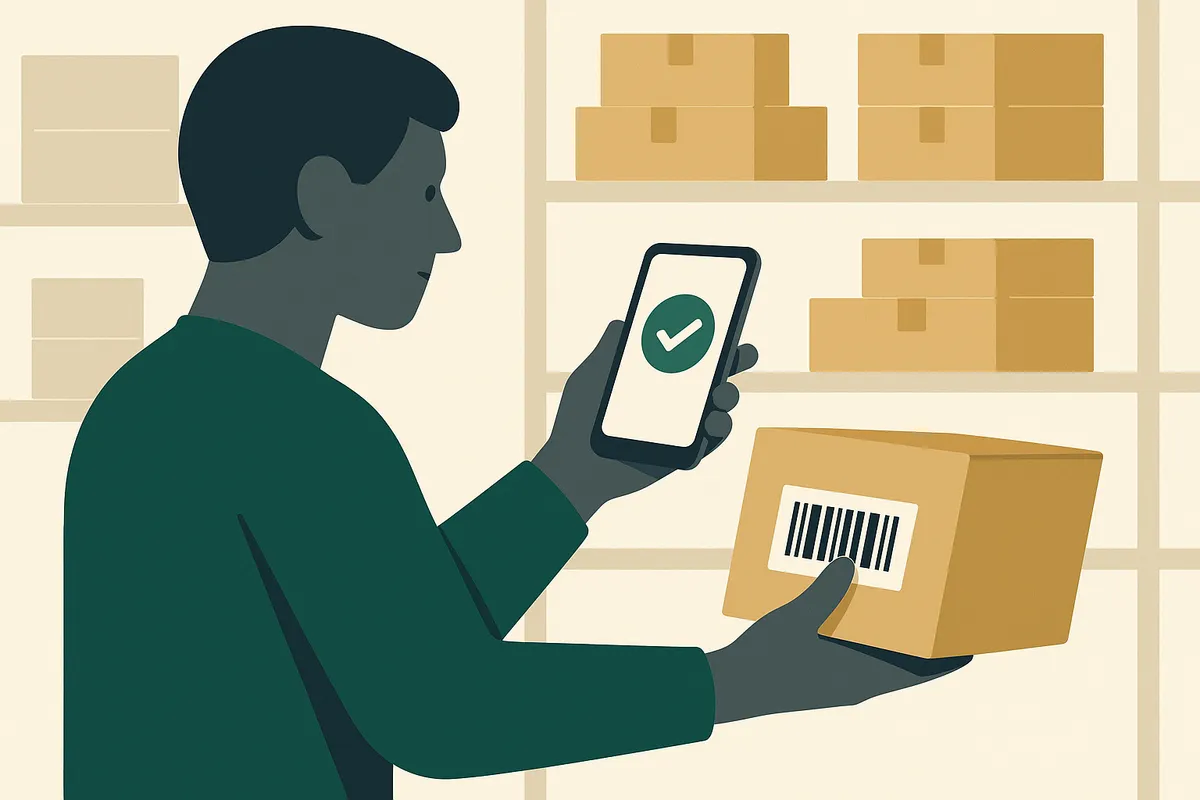
Bailey & Coco tested three setups over a six-week period during their last container shipment season. First, phone scanning with the Shopify mobile app: receiving a 3,500-unit container took 14 hours across two staff members. Accuracy was 97.2% — the misses came from similar-looking pattern variants where staff visually confirmed the wrong item after a successful scan. Second, the Tera budget scanner plugged into a laptop at a receiving station: same container took 9 hours, accuracy jumped to 99.1%. The speed improvement came from the instantaneous scan-and-confirm cycle. Third, the Socket Mobile S740 paired with a tablet running a receiving app: 5 hours, 99.8% accuracy. The Bluetooth mobility meant staff could scan items as they unloaded from the container, rather than carrying everything to a fixed station first. The Socket Mobile paid for itself in labour savings on the very first container. At two staff members saving 9 hours at £12/hour, that is £216 saved per container — and they receive 6-8 containers per year.
Built-in barcode scanning that works with any hardware
Canopy gives Shopify brands the inventory clarity they need to grow.
Bluetooth vs USB: which connection type to choose
The Bluetooth vs USB decision comes down to one question: do your products come to you, or do you go to your products? If you have a receiving desk where boxes are unpacked and items are scanned one by one, USB is superior. Zero latency, zero battery concerns, zero connectivity issues. It just works. If your workflow involves moving through the warehouse — scanning shelves during stocktakes, receiving directly from a loading dock, or scanning items across multiple stations — Bluetooth is the only practical option. The key risk with Bluetooth is connection drops. Consumer-grade Bluetooth scanners are notorious for disconnecting mid-session, which can corrupt a partial receive. Professional scanners like the Socket Mobile range use enterprise Bluetooth protocols that maintain connection even through brief signal interruptions. This is worth paying for.
Setting up your scanner with Shopify and Canopy
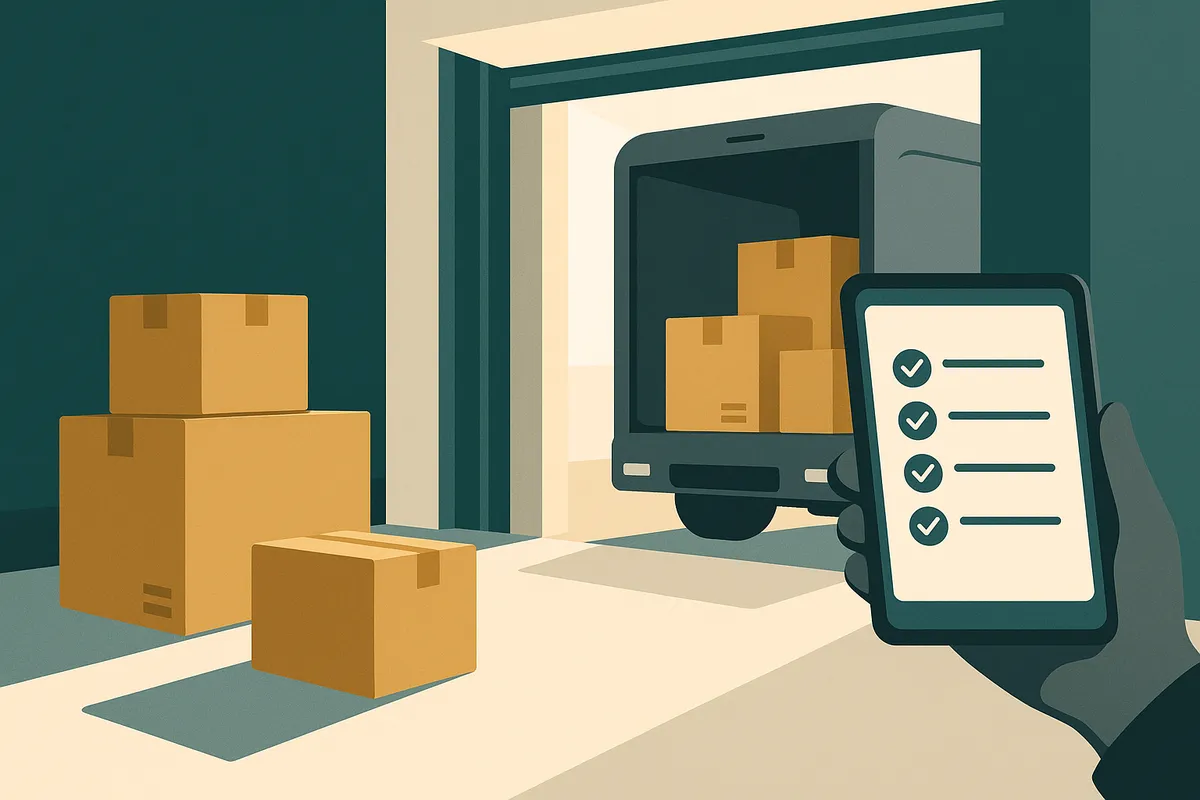
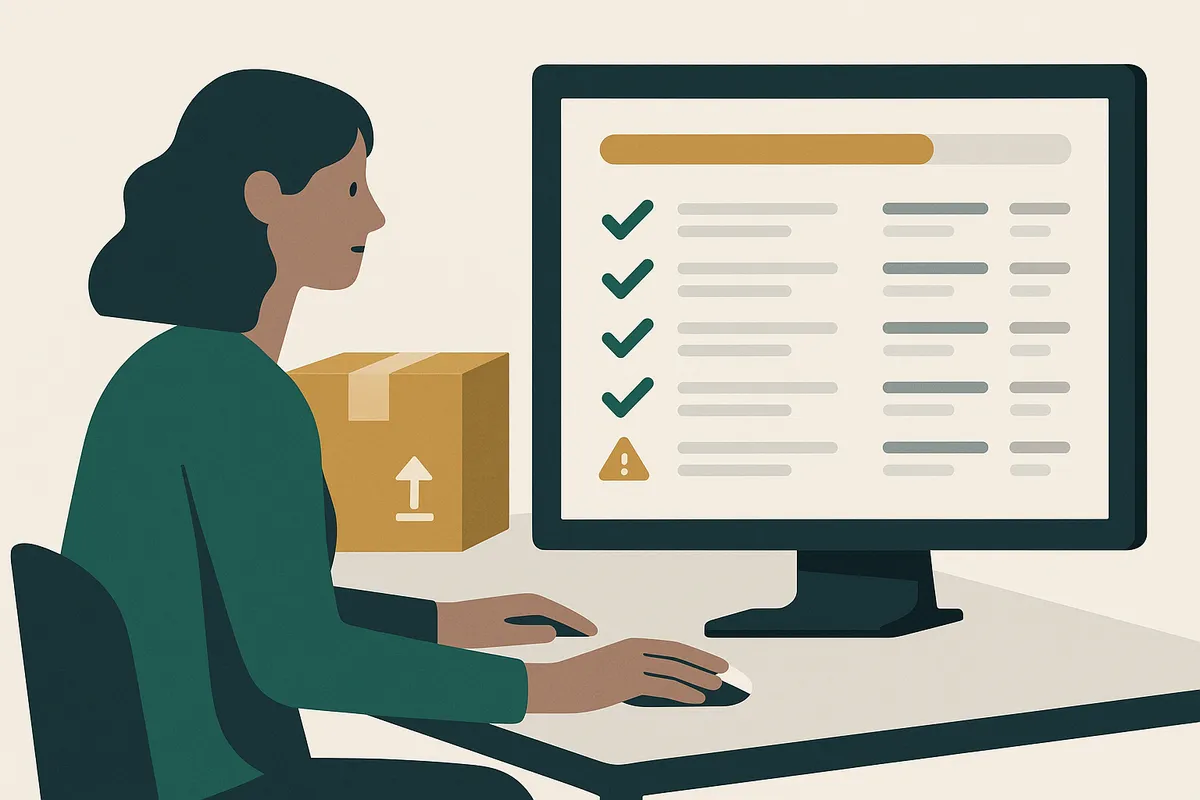
Most barcode scanners act as keyboard input devices — they simply type the barcode number into whatever field is active on your screen. This means they work with virtually any software that has a text input field, including Shopify admin, Canopy, and any third-party inventory app. For USB scanners, setup is plug-and-play. Connect the scanner, open your inventory app, click into the barcode search field, and scan. The barcode number appears instantly. For Bluetooth scanners, pair the device through your phone or tablet settings, then open your scanning app. Most professional scanners include a quick-start barcode in the box that you scan to initiate pairing — it takes under 60 seconds. Canopy is being built with native scanner support: scan a barcode during goods receiving and the system automatically matches it to the expected PO line item, increments the received quantity, and flags any unexpected items. No manual lookup required.
Price comparison summary
Here is what you should budget for a complete scanning setup:
Budget tier (under £50): Tera HW0002 USB scanner (£30-40) + free Shopify mobile app. Good for getting started. Expect to upgrade within 12-18 months as scan volume grows.
Mid-range tier (£250-350): Socket Mobile S740 Bluetooth scanner (£250) + tablet or phone as the scanning device. The sweet spot for most Shopify brands with 200-5,000 SKUs. This is what we recommend for brands receiving 2-6 shipments per month.
Professional tier (£400-600): Zebra DS2208 USB for fixed receiving station (£150) + Zebra CS6080 Bluetooth for mobile stocktakes (£400). For operations doing 500+ scans daily or managing multiple warehouse zones. Typically justified above £1M annual revenue.
The ROI calculation is straightforward: if your current receiving process has a 1-3% error rate and you process 200+ items per week, a £250 scanner will save you more in prevented errors and time savings within the first 3 months than it costs.
Frequently Asked Questions
Yes. The Shopify mobile app includes a camera-based barcode scanner. It works for low-volume operations under 50 scans per day, but scanning speed is limited by camera autofocus (1-2 seconds per scan vs 0.1 seconds for a dedicated scanner).
The Socket Mobile S740 (around £250, Bluetooth) is the best choice for most small Shopify warehouses. It offers professional-grade reliability, 16-hour battery life, and works with both iOS and Android devices.
Yes. Most barcode scanners act as keyboard input devices and work with Shopify POS, Shopify admin, and third-party inventory apps. Both USB and Bluetooth scanners are compatible with Shopify POS on desktop and mobile.
Budget USB scanners start at £25-40. Professional Bluetooth scanners like the Socket Mobile S740 cost £230-270. Enterprise-grade scanners from Zebra range from £150-420 depending on the model and connectivity type.
USB is better for fixed receiving stations — zero latency and no battery concerns. Bluetooth is better for mobile workflows like stocktakes or receiving at the loading dock. Most growing operations end up with both.
Related pages
Related Articles
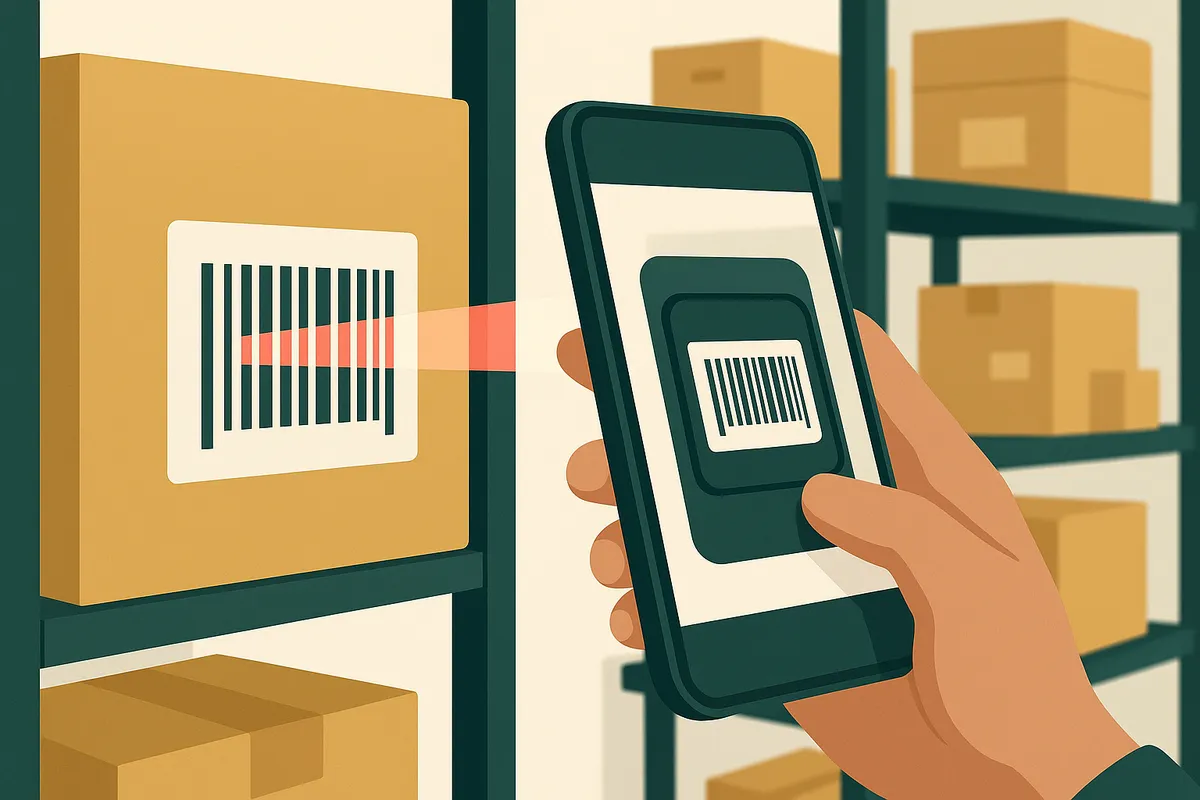
Barcode Scanning for Shopify: The Complete Setup Guide for 2026
Learn how to set up barcode scanning for your Shopify store. Covers phone-based scanning, hardware scanners, receiving stock, and picking orders — with real ROI calculations.
Shopify Inventory Management in 2026: What's Built In, What's Missing & What You Actually Need
Shopify's native inventory features have improved, but critical gaps remain. This guide covers what Shopify can and can't do for inventory management, the best apps to fill the gaps, and how to build a system that scales.
Get early access to Canopy
The inventory system built for Shopify brands. No spam — just a heads-up when we launch.