How to Set Up Barcode Scanning for Shopify (Phone, Hardware & Apps)
By Andrew Simpson
Quick answer
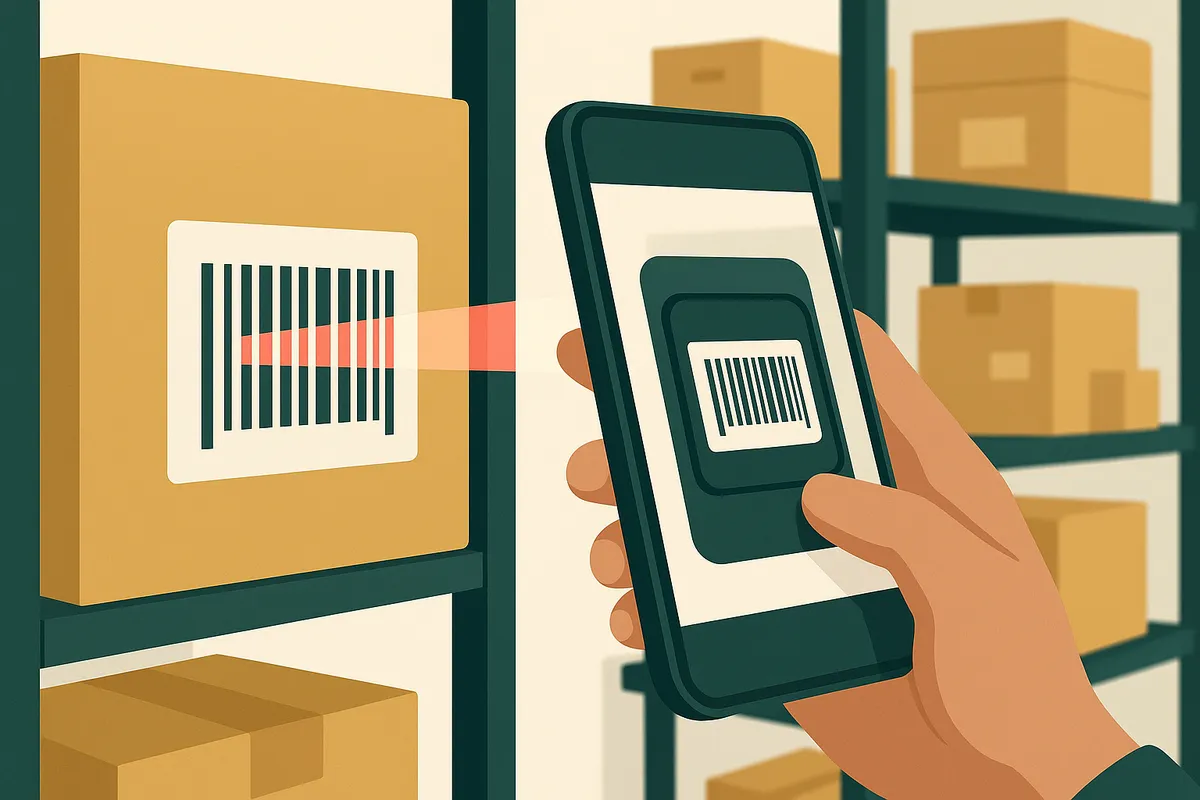
You can scan barcodes in Shopify using your phone's camera with the Shopify mobile app, a dedicated Bluetooth barcode scanner paired with a receiving app, or a USB scanner connected to your desktop admin. Phone scanning works for stores under 500 SKUs. Above that, a dedicated Bluetooth scanner like the Socket Mobile S740 (around £250) will save you 2-3 hours per week on stock receiving alone. The ROI typically pays for itself within 6 weeks.
What barcode scanning actually does in a Shopify context
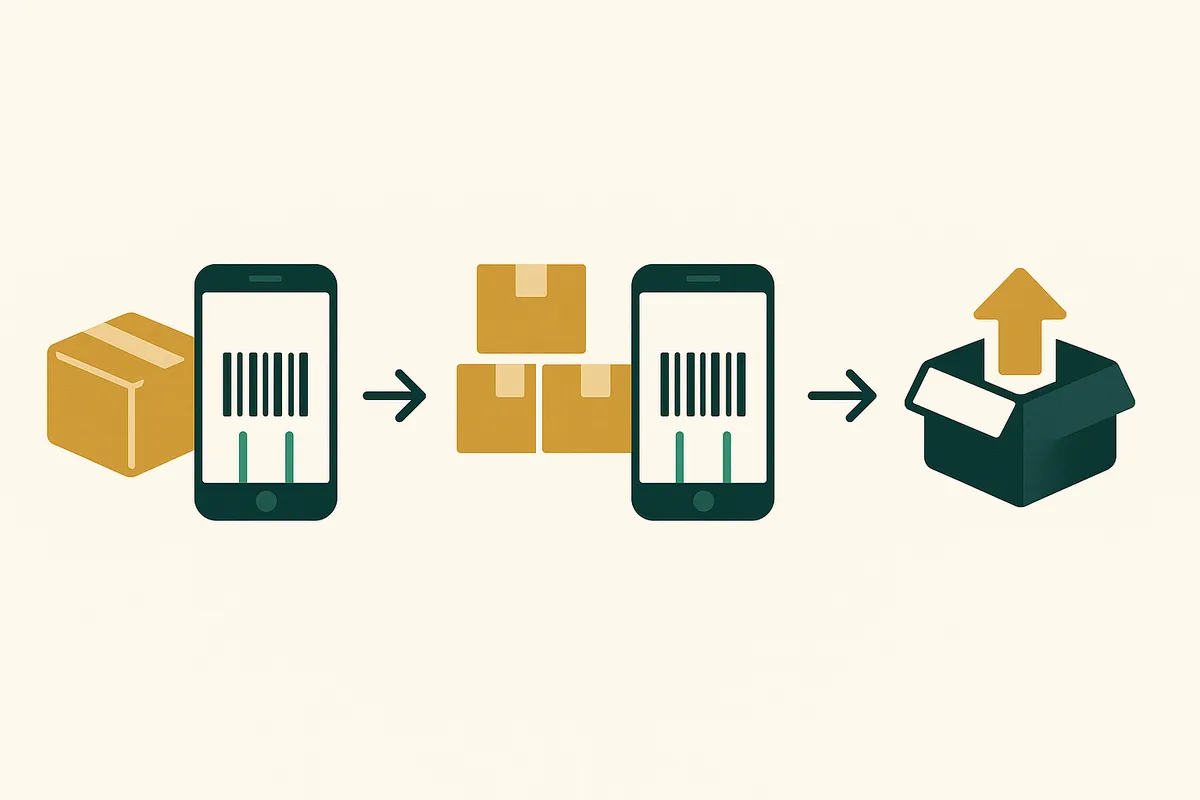
Barcode scanning in ecommerce serves three purposes: receiving stock from suppliers, picking orders for fulfilment, and doing stocktakes. Each of these tasks can be done manually — you find the product in your admin, type in the quantity adjustment, and move on. But manual entry introduces errors at a predictable rate.
Research from the GS1 standards body found that manual data entry in warehouse environments has an error rate of roughly 1 in 300 keystrokes. That sounds small until you calculate what it means at scale. If you receive 200 items per delivery and process 3 deliveries per week, that's 600 entries. At a 1-in-300 error rate, you'll record roughly 2 items incorrectly per week. Over a year, that's 104 inventory discrepancies — each one potentially causing a stockout, an oversell, or a wasted investigation.
Why barcode accuracy matters for inventory management
The real cost of scanning errors isn't the error itself — it's the knock-on effect on every downstream decision. If your system thinks you have 45 units of a SKU but you actually have 43, your reorder point calculations are wrong. Your weeks cover figure is overstated. Your demand forecast is training on phantom stock.
For brands that sell across multiple channels — Shopify, Amazon, wholesale — a 2-unit discrepancy can mean the difference between fulfilling an order and overselling. Overselling costs you twice: once in the refund and customer service time, and again in the platform penalty (Amazon's Inventory Performance Index penalises late shipments caused by stock discrepancies).
Barcode scanning doesn't just speed things up. It prevents the silent data drift that makes your entire inventory picture unreliable.
How Bailey & Coco cut receiving time by 68%
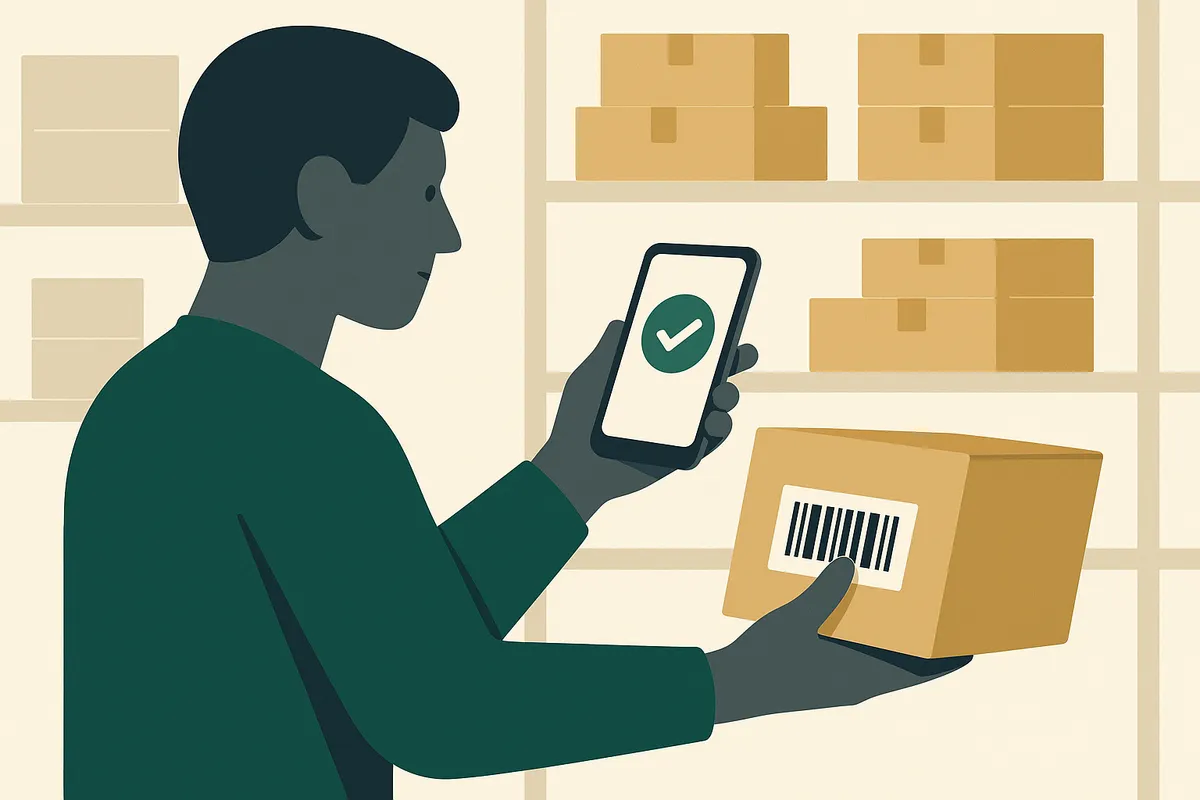
Bailey & Coco receives container shipments from China roughly every 6-8 weeks. A typical shipment contains 3,000-5,000 individual items across 40-80 different SKUs (collar patterns, sizes, harness variants). Before implementing barcode scanning, their receiving process worked like this: two warehouse staff would unpack boxes, visually identify each product, find it in the Shopify admin, and manually adjust the stock quantity. A full container took 12-14 hours to receive.
The problems were predictable. Pattern variants that look almost identical — like "Navy Tartan Small" vs "Navy Tartan Medium" — were frequently miscounted. Size labels had to be physically read on each item. And fatigue after 6 hours of repetitive data entry meant the error rate climbed significantly in the afternoon.
After implementing barcode scanning with a Socket Mobile S740 and a receiving app, the same container takes 4-5 hours. Each item is scanned, the system auto-matches the barcode to the SKU, and quantities increment automatically. Misidentification errors dropped to near zero. The time saving of 8-9 hours per container, at 6-8 containers per year, translates to roughly 55 labour hours reclaimed annually — plus the elimination of the downstream stockout and oversell costs that manual errors were causing.
Built-in barcode scanning for Shopify brands
Canopy gives Shopify brands the inventory clarity they need to grow.
Phone scanning vs hardware scanners: which to choose
The Shopify mobile app includes a built-in barcode scanner using your phone's camera. It works for looking up products and adjusting quantities. For stores with fewer than 500 SKUs processing occasional deliveries, this is genuinely sufficient. Don't spend money on hardware you don't need.
Phone scanning breaks down in three scenarios. First, speed: camera-based scanning takes 2-3 seconds per item including focus time. A dedicated laser scanner reads in under 0.5 seconds. When you're scanning 3,000 items in a container, that's the difference between 2.5 hours and 25 minutes of pure scan time. Second, reliability: phone cameras struggle with damaged barcodes, curved surfaces (like bottles), and low-light warehouse conditions. Laser scanners handle all of these. Third, ergonomics: holding a phone at scanning angle for extended periods causes wrist strain. Dedicated scanners are shaped for the task.
For hardware, the three most popular options for Shopify merchants are:
Socket Mobile S740 (£230-280) — Bluetooth, pairs with phones/tablets, good battery life, reads 1D and 2D barcodes. The most popular choice for Shopify stores.
Zebra DS2278 (£180-220) — Wireless, more industrial build, better for high-volume scanning. Heavier but more durable.
Tera HW0002 (£45-60) — Budget option, USB and Bluetooth, decent for occasional use. The scanner most merchants start with before upgrading.
How to set up barcode scanning for your Shopify store
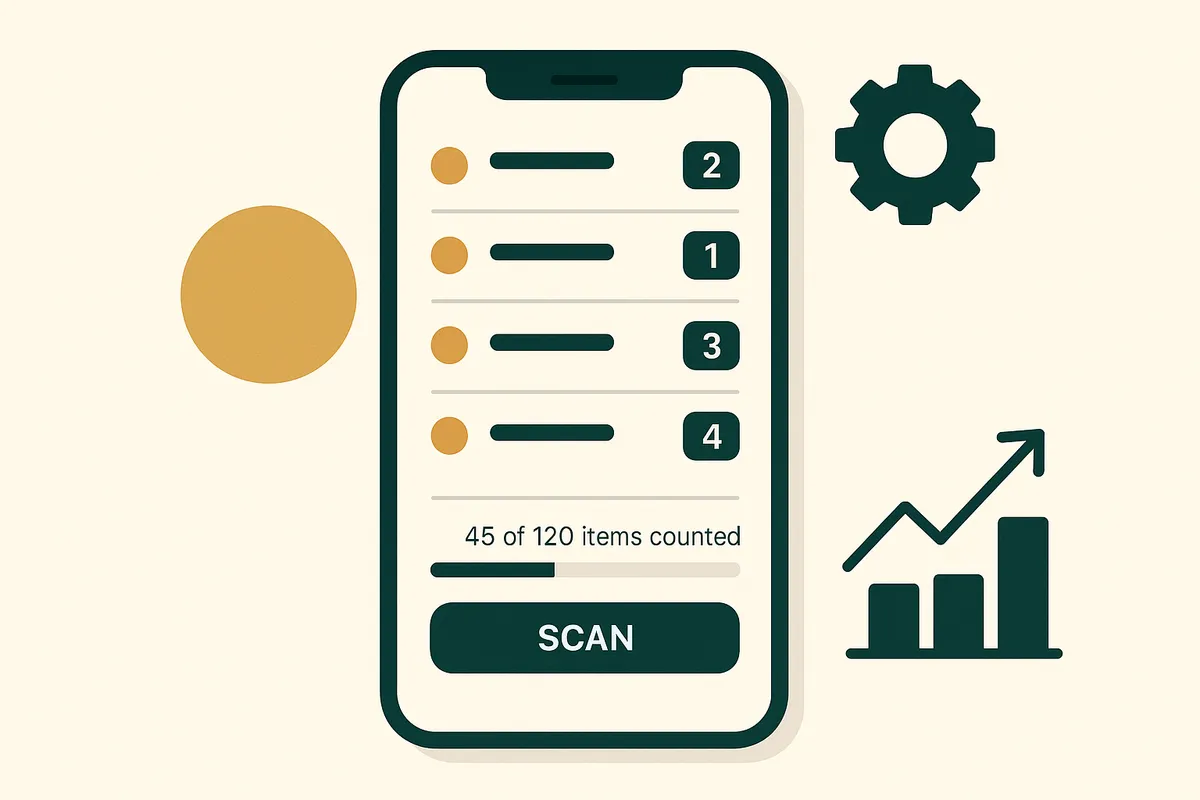
Setting up barcodes for your Shopify store requires three things: barcodes assigned to every product variant, a scanning device, and a workflow for each use case (receiving, picking, stocktaking).
- Check your existing barcodes — go to Products in Shopify admin and check how many variants already have barcodes (EAN, UPC, or ISBN) populated. If your suppliers provide products with barcodes, you likely have coverage already. If you make your own products or your supplier doesn't barcode items, you'll need to generate and print your own.
- Generate missing barcodes — you can purchase EAN-13 barcodes from GS1 UK (the official registry) starting at £100 for 1,000 barcodes. Alternatively, many Shopify merchants use SKU-based barcodes with Code 128 format, which don't require GS1 registration. The important thing is uniqueness — every variant (size, colour, pattern) must have its own barcode.
- Print barcode labels — if your products don't come pre-barcoded, use a thermal label printer like the DYMO LabelWriter 450 (£90) or Brother QL-820NWB (£160). Print labels at 300 DPI minimum for reliable scanning.
- Configure your scanning device — for Bluetooth scanners, pair with your phone or tablet. Most Shopify inventory apps support scan-to-search, where scanning a barcode pulls up the product and lets you adjust quantities.
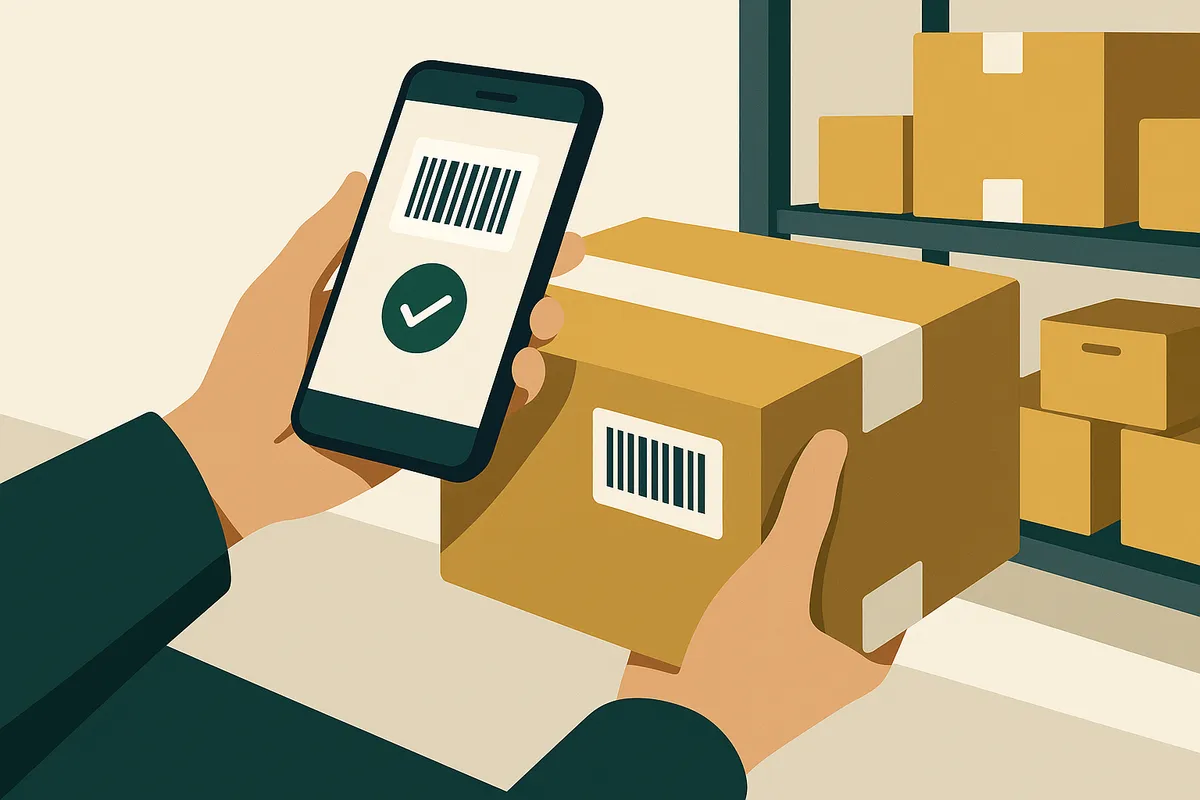
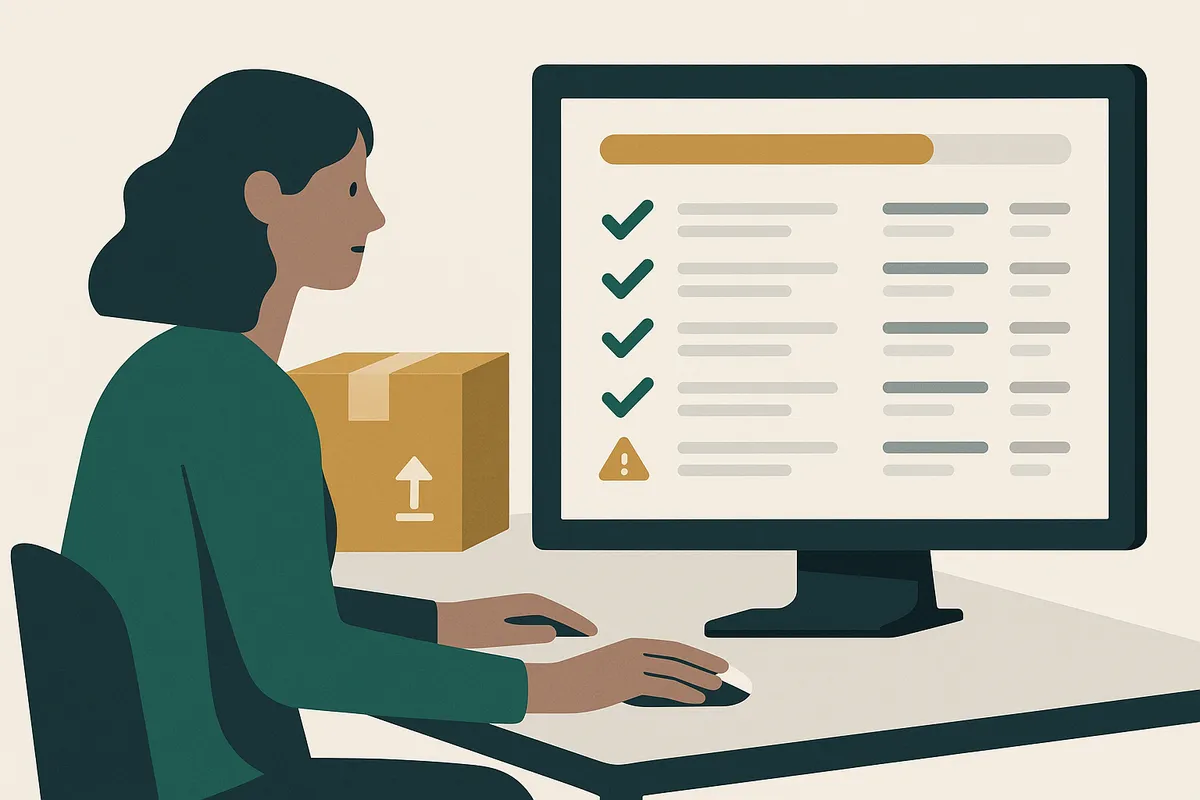
- Set up receiving workflow — when a delivery arrives, open your inventory app, start a new receiving session, scan each item, and confirm quantities against the purchase order. The app should flag discrepancies between what you ordered and what you received.
- Set up stocktake workflow — schedule quarterly full stocktakes. Walk through your warehouse scanning every item. The system compares scanned quantities against expected quantities and flags variances for investigation.
Calculating the ROI of barcode scanning
The ROI calculation for barcode scanning is straightforward. Add up three numbers: time saved on receiving stock, time saved on picking orders, and cost of errors prevented.
For a store processing 1,000 orders per month with 500+ SKUs: - Receiving time savings: ~3 hours/week = 156 hours/year - Picking accuracy improvement: reduces mispicks from ~2% to ~0.1%, saving roughly £2,800/year in return processing costs - Stocktake speed: quarterly stocktakes drop from 2 full days to 4-6 hours, saving 48+ hours/year
At a warehouse labour cost of £12/hour, the time savings alone are worth £2,448/year. Add the mispick reduction and you're looking at £5,000+ in annual savings against a one-time hardware cost of £300-500. That's a payback period of 4-6 weeks.
Integrated scanning in modern inventory tools
The next generation of Shopify inventory tools is building barcode scanning directly into the stock management workflow — not as an add-on, but as a core feature. This means scanning a barcode doesn't just look up a product; it feeds directly into your weeks cover calculations, flags items below their reorder point, and updates your purchase order suggestions in real time.
Canopy is being built with this integrated approach. Scan a barcode during receiving, and the system automatically updates your stock levels, recalculates weeks cover for that SKU, adjusts the demand forecast based on actual delivery timing, and flags whether you need to reorder sooner than planned. It's the difference between a scanning tool and a scanning-integrated inventory system.
Frequently Asked Questions
Yes. The Shopify mobile app has a built-in barcode scanner that uses your phone's camera. It works well for stores with fewer than 500 SKUs and occasional stock receiving. For higher volumes, a dedicated Bluetooth scanner is significantly faster and more reliable.
The Socket Mobile S740 is the most popular choice among Shopify merchants. It connects via Bluetooth, reads both 1D and 2D barcodes, and costs £230-280. For budget-conscious stores, the Tera HW0002 at £45-60 is a solid starting point.
You need GS1 barcodes (EAN/UPC) if you sell through retailers or Amazon, as they require registered barcodes. For Shopify-only stores, you can use any unique barcode format including SKU-based Code 128 barcodes that don't require GS1 registration.
Typically 60-70% of receiving time. Manual receiving of a 3,000-item container takes 12-14 hours. With barcode scanning, the same container can be received in 4-5 hours. For weekly deliveries of 200-500 items, you'll save 2-3 hours per delivery.
Indirectly, yes. Barcode scanning dramatically reduces the inventory recording errors that cause discrepancies between your system stock and actual stock. These discrepancies are the primary cause of overselling for Shopify merchants with large catalogues.
Related pages
Related Articles
Shopify Inventory Management in 2026: What's Built In, What's Missing & What You Actually Need
Shopify's native inventory features have improved, but critical gaps remain. This guide covers what Shopify can and can't do for inventory management, the best apps to fill the gaps, and how to build a system that scales.
Weeks Cover in Stock Management: Formula, Examples & How to Use It
Weeks cover tells you how many weeks your current stock will last at the current sales rate. Learn the formula, what good weeks cover looks like, and how to calculate it for thousands of SKUs.
Stocky App Shutting Down: What Shopify Merchants Need to Do Before August 2026
Shopify's Stocky app is shutting down on 31 August 2026. Here's what happens to your purchase orders, demand forecasting, and stock reports — and the best Stocky replacements to migrate to.
Get early access to Canopy
The inventory system built for Shopify brands. No spam — just a heads-up when we launch.