How to Migrate from Stocky Before August 2026
By Canopy Team
Quick answer
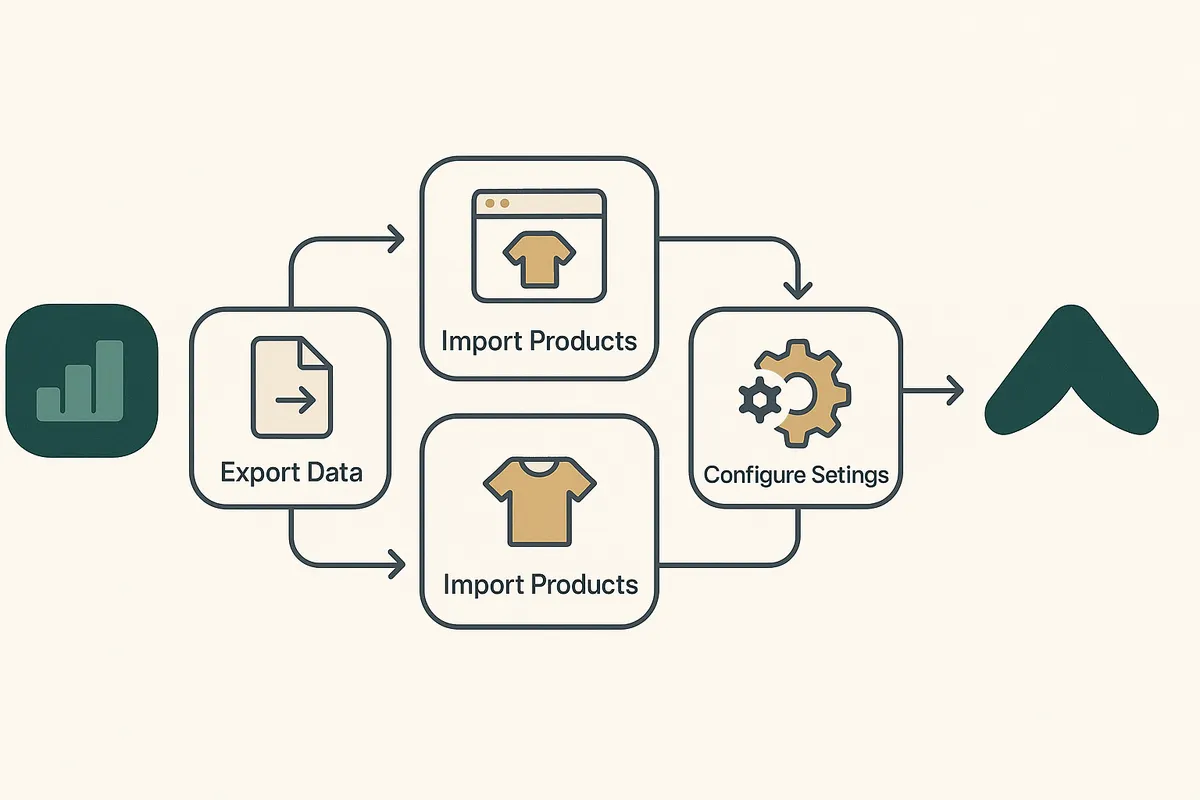
To migrate from Stocky before the August 2026 shutdown, you need to follow five phases: export your existing data (purchase orders, suppliers, lead times), evaluate replacement tools against your specific needs, set up your new system with clean data, run both systems in parallel for 30-60 days, and then cut over fully. Start now — the entire process takes 8-12 weeks when done properly, and rushing it leads to data gaps that haunt your inventory accuracy for months.
Why you cannot afford to wait until July
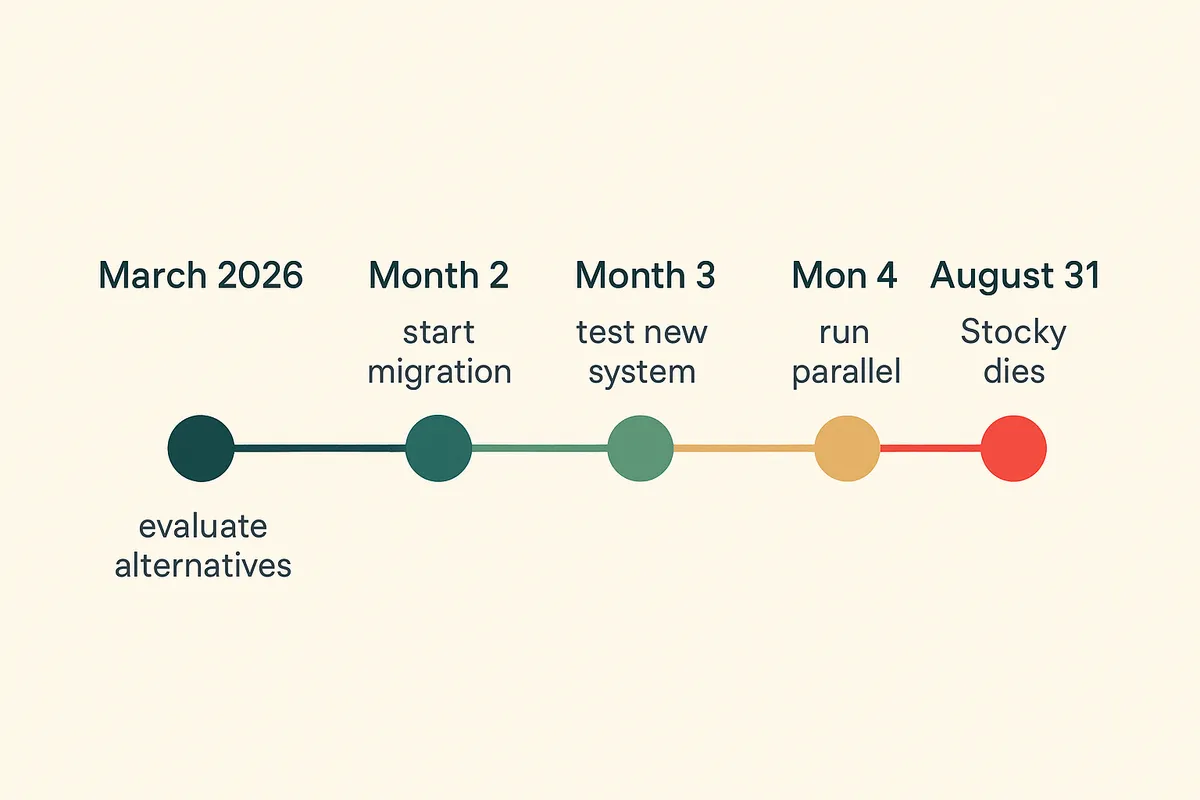
The Stocky shutdown date is 31 August 2026. That sounds like plenty of time. It is not. Here is the maths. A proper migration requires parallel running — operating both your old and new system simultaneously to verify data accuracy. Best practice is 60 days of parallel running. That means your new system needs to be fully configured and loaded with data by 1 July 2026 at the latest. Before that, you need 2-4 weeks for system setup, data import, and staff training. Before that, you need 2-3 weeks to evaluate alternatives and make a decision. Before that, you need 1-2 weeks to export and clean your Stocky data. Add it up: you need to start the process by mid-April 2026 to have a comfortable migration. If you are reading this in March, you are right on schedule. If you are reading this in June, you are already behind.
Phase 1: export everything from Stocky
The first step is extracting every piece of data you have stored in Stocky. This is non-negotiable — once Stocky is removed from your store, this data is gone permanently. There is no recovery option and Shopify has confirmed they will not provide post-shutdown data exports.
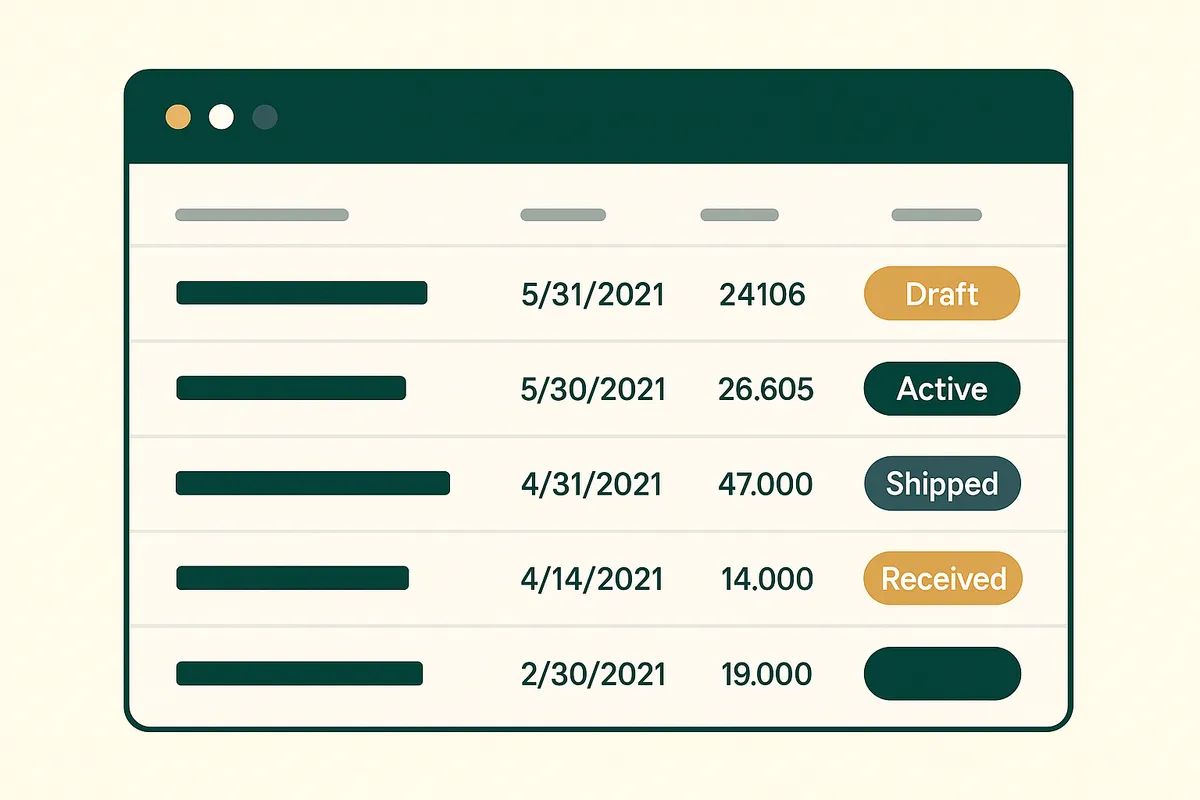
- Purchase orders — go to Stocky > Purchase Orders > Export All. Save as CSV. This includes PO numbers, line items, quantities ordered, quantities received, costs, and dates.
- Supplier list — Stocky stores suppliers separately from Shopify. Export supplier names, email addresses, phone numbers, payment terms, lead times, and minimum order quantities.
- Demand forecasting settings — if you configured any forecast parameters, document them. Screenshot the settings pages.
- Reorder points — note any SKU-level reorder triggers you have set up. Export or screenshot these before they disappear.
- Transfer history — if you use multi-location, export any transfer records that are stored in Stocky rather than Shopify admin.
- Cost prices — verify that your cost prices in Stocky match what is in Shopify admin. Stocky sometimes stored its own cost data that did not sync back to Shopify.
Phase 2: evaluate your replacement options
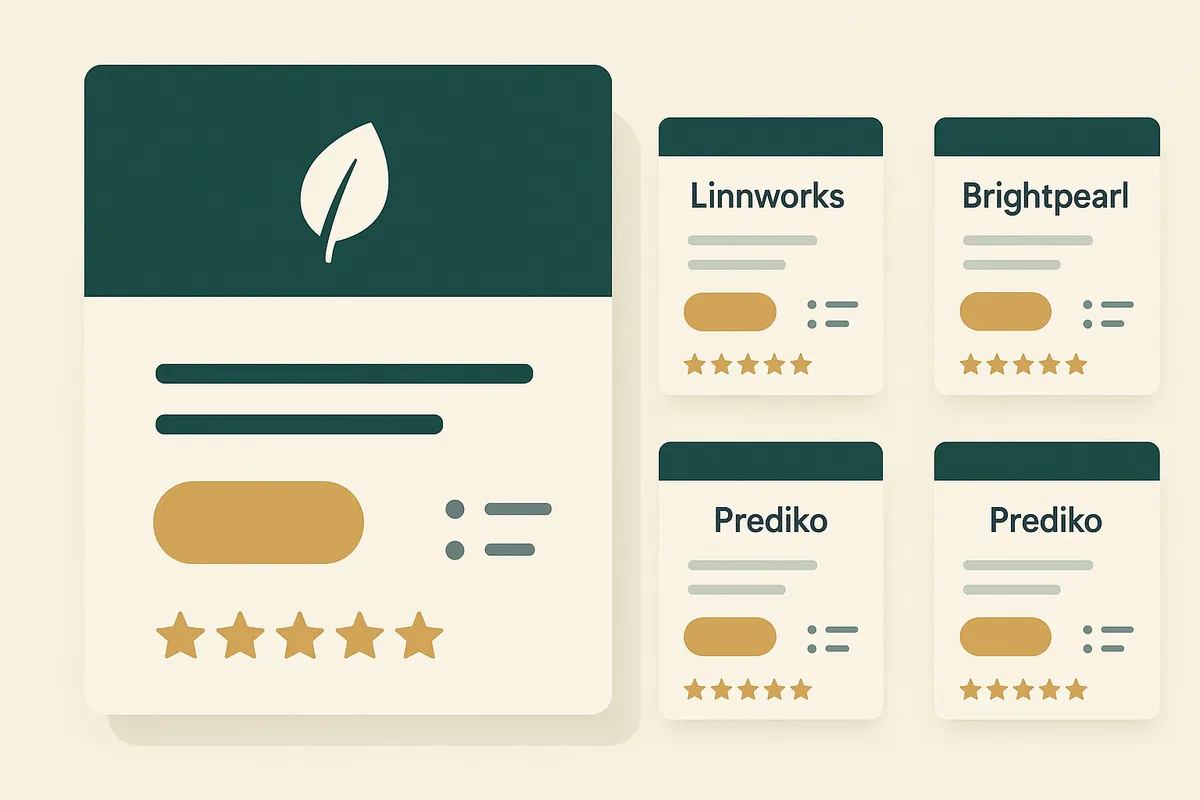
With your data exported and safe, you can take a measured look at the alternatives. The right choice depends on three factors: your SKU count, your supplier complexity, and your budget. If you have under 500 SKUs and one or two suppliers, most tools will work fine. The decision is mainly about price and interface preference. If you have 1,000+ SKUs with multiple suppliers and long lead times — like Bailey & Coco with their 2,845 SKUs and 190-day China supply chain — you need a system that genuinely handles supplier lead time modelling, not just purchase order creation. The main contenders are Inventory Planner (established, powerful, complex, £100-300/month), Prediko (newer, design-forward, DTC-focused, similar pricing), and Canopy (built for weeks cover and long supply chains, early access pricing). Do not choose based on feature lists alone. Request a trial or demo with your actual data. A tool that looks perfect on paper but does not handle your specific variant structure or supplier workflow is worse than useless.
Phase 3: set up your new system with clean data
This is where most migrations go wrong. Merchants export messy data from Stocky and import it directly into their new system, carrying over years of accumulated errors. A migration is your one opportunity to clean house. Before importing, audit your supplier list — remove suppliers you no longer use, update lead times to reflect actual recent performance (not the optimistic numbers from two years ago), and verify contact details. Audit your cost prices — compare Stocky costs against your most recent invoices and update any that have drifted. Audit your SKU list — identify products that are discontinued or should be archived. There is no point migrating data for products you will never reorder. The time you invest in data cleaning now will pay dividends in forecast accuracy for the next 12 months. Every incorrect cost price or outdated lead time that makes it into your new system will generate wrong reorder suggestions.
How Bailey & Coco approached their migration
Bailey & Coco had been using Stocky since 2021. Over four years, they had accumulated 847 purchase orders, 23 suppliers (of which only 6 were still active), and cost prices that were an average of 12% below their actual current costs due to supplier price increases that were never updated in Stocky. Their migration took 10 weeks in total. The first two weeks were spent purely on data cleaning — updating every active SKU's cost price from recent invoices, removing 17 inactive suppliers, and archiving 340 discontinued SKUs. The data cleaning alone revealed that their Stocky-based reorder calculations had been understating purchase costs by £8,400 per container order. They had been under-budgeting every shipment for over a year without realising it. The lesson: migration is not just about moving data. It is about discovering how inaccurate your current data has become.
Migrate from Stocky with confidence
Canopy gives Shopify brands the inventory clarity they need to grow.
Phase 4: parallel running — the non-negotiable step
Run both systems simultaneously for a minimum of 30 days — ideally 60. During this period, create purchase orders in both Stocky and your new system. Compare the reorder suggestions. If they differ significantly, investigate why. Common causes of discrepancy: different lead time assumptions, different demand calculation windows (Stocky uses 90-day lookback by default, some tools use 30 or 60 days), and different safety stock buffers. The parallel running period is also when your team builds muscle memory with the new interface. By the time you cut over, creating a PO in the new system should feel as natural as it did in Stocky.
Phase 5: cutover and post-migration verification
Once your parallel running period confirms data accuracy, you are ready to cut over. Pick a quiet day — not the start of a sale, not peak season, not the day before a supplier deadline. Disable Stocky notifications. Make your new system the single source of truth. Then verify: run a stocktake within the first week to confirm that your new system's stock levels match physical inventory. Check that all open POs transferred correctly. Verify that reorder alerts are triggering at the right thresholds. The first two weeks after cutover require vigilance. After that, you should be running smoothly on your new system with months to spare before the Stocky shutdown date.

Tools and resources for your migration
Beyond the replacement app itself, you will need a few supporting tools during migration. A spreadsheet programme (Google Sheets or Excel) for data cleaning and comparison. A project management tool or even a simple checklist to track migration phases. Access to your recent supplier invoices for cost price verification. And patience — data migration is tedious work, but it is the foundation of everything your new system will do. Cut corners here and you will spend the next year fighting inaccurate forecasts and wrong reorder points. Do it properly and you will wonder why you did not switch from Stocky years ago.

Frequently Asked Questions
A proper migration takes 8-12 weeks: 1-2 weeks for data export and cleaning, 2-3 weeks for evaluation and setup, and 4-8 weeks of parallel running. Rushing the process leads to data accuracy problems that persist for months.
Yes, but you must do it before the 31 August 2026 shutdown. Go to Stocky > Purchase Orders > Export All to download as CSV. After the shutdown date, this data will be permanently inaccessible.
Your core Shopify inventory levels (stock quantities, locations, adjustments) are stored in Shopify admin, not Stocky, and will not be affected. What you lose is purchase order history, supplier data, and demand forecasting that was stored exclusively in Stocky.
There is no free like-for-like replacement. Shopify's native admin handles basic inventory tracking but lacks purchase orders and forecasting. Paid alternatives start around £50-100/month. Canopy is offering early access pricing significantly below established competitors.
Only if you have a very simple operation — under 200 SKUs, one supplier, no need for demand forecasting. For anything more complex, you need a dedicated inventory management tool with purchase orders, lead time modelling, and reorder suggestions.
Stocky will be removed from your store and all data within it will be permanently lost. You will still have Shopify's basic inventory tracking, but you will lose all purchase order history, supplier data, and any demand forecasting configuration.
Related pages
Related Articles
Stocky App Shutting Down: What Shopify Merchants Need to Do Before August 2026
Shopify's Stocky app is shutting down on 31 August 2026. Here's what happens to your purchase orders, demand forecasting, and stock reports — and the best Stocky replacements to migrate to.
Best Stocky Alternatives for Shopify in 2026: 5 Apps Compared Honestly
Stocky is shutting down in August 2026. We compare the 5 best Shopify inventory management alternatives — Canopy, Prediko, Fabrikator, Cin7, and Linnworks — on features, pricing, and who each one is actually for.
Shopify Inventory Management in 2026: What's Built In, What's Missing & What You Actually Need
Shopify's native inventory features have improved, but critical gaps remain. This guide covers what Shopify can and can't do for inventory management, the best apps to fill the gaps, and how to build a system that scales.
Get early access to Canopy
The inventory system built for Shopify brands. No spam — just a heads-up when we launch.