Purchase Order Management for Shopify: Everything You Need to Know
By Canopy Team
Quick answer
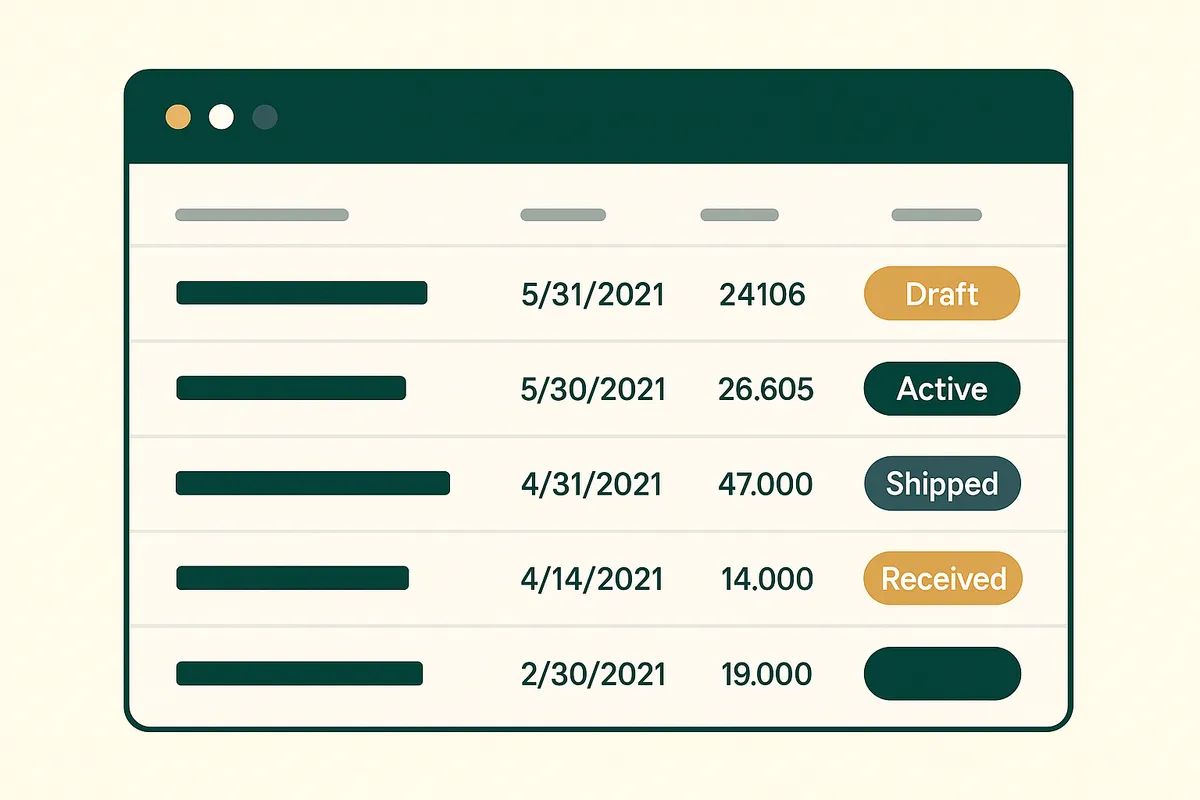
Purchase order management for Shopify involves creating formal orders to your suppliers, tracking their status from draft to received, and matching delivered goods against what was ordered. Shopify does not include native purchase order functionality — you need either an app (like Canopy) or a manual spreadsheet process. For brands with multiple suppliers or long lead times, proper PO management prevents stockouts, tracks spend, and gives visibility into incoming inventory. Bailey & Coco manages 15-20 open POs at any time across their China supply chain using a structured workflow.
Why Shopify does not include purchase orders natively
Shopify is primarily a sales platform — it handles the selling side of ecommerce exceptionally well. The buying side (purchasing inventory from suppliers) has always been secondary. Until recently, Stocky filled this gap by providing basic purchase order functionality bundled free with Shopify. With Stocky shutting down in August 2026, Shopify merchants lose even that basic capability. Shopify's admin allows you to adjust inventory quantities and track stock across locations, but it does not let you create a purchase order, assign it to a supplier, track its status, or match received goods against the original order. This gap forces merchants to manage purchasing through spreadsheets, email threads, or third-party apps. For brands with a single domestic supplier ordering monthly, spreadsheets work adequately. For brands with multiple international suppliers, long lead times, and dozens of open orders at any given time, the lack of native PO support creates significant operational risk.
What a purchase order actually contains
A purchase order is a formal document sent to a supplier that specifies exactly what you want to buy. Every PO should contain:
PO number (unique reference for tracking), supplier name and contact details, order date, expected delivery date, list of products with SKU codes, quantities ordered, unit costs, total cost per line item, total order value, payment terms (e.g., 30% deposit, 70% on shipment), shipping method and incoterms (e.g., FOB Shenzhen), and any special instructions.
The PO is both a communication tool (telling the supplier what to produce) and a financial record (tracking your purchasing spend). When goods arrive, you match the delivery against the PO to verify you received what you ordered at the price you agreed. Discrepancies — short shipments, damaged goods, wrong items — are recorded against the PO for dispute resolution.
The purchase order lifecycle: from draft to received
A purchase order moves through five stages:
Draft: You create the PO based on reorder needs. Add products, quantities, and costs. Review before sending.
Sent: The PO is issued to the supplier. The clock starts on your expected lead time. Your inventory system should now show these quantities as "incoming" or "on order."
Confirmed: The supplier confirms they can fulfil the order at the specified quantities and prices. Any changes (MOQ adjustments, price increases, unavailable items) are negotiated and the PO is updated.
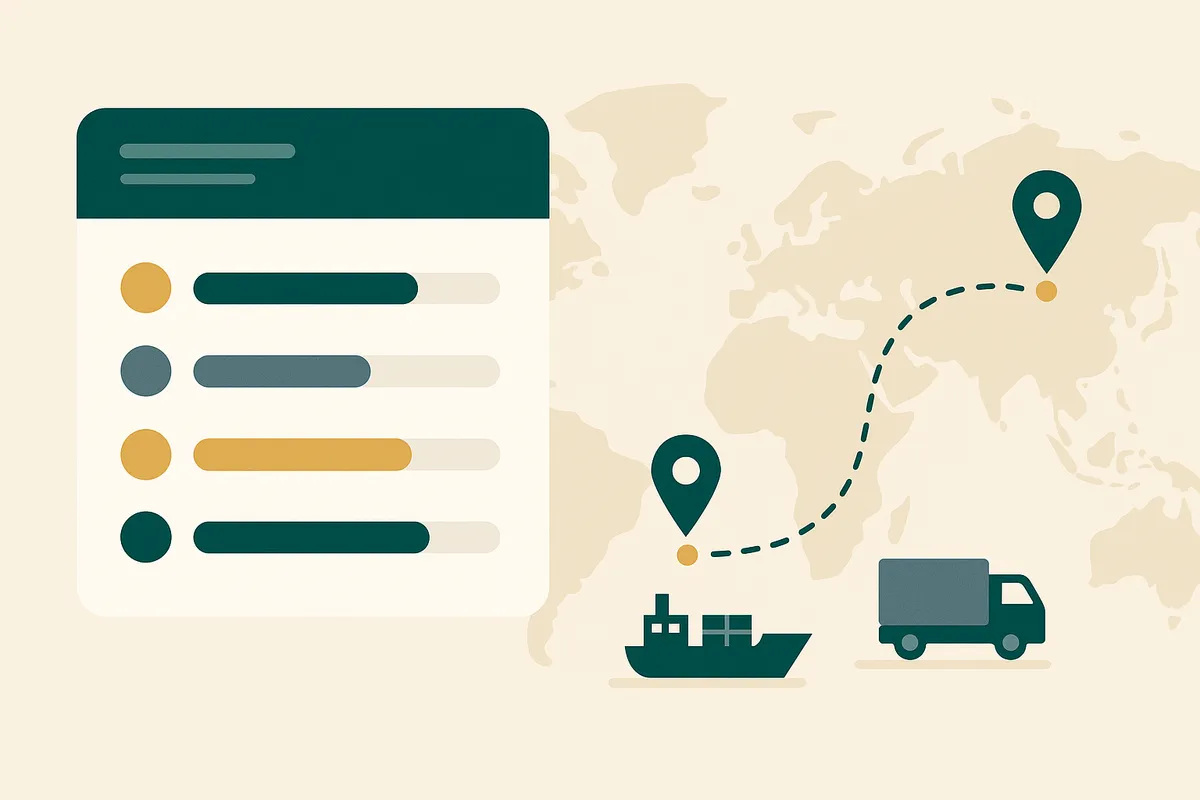
In transit: The goods have shipped. For sea freight from China, this stage can last 8-16 weeks. Tracking the shipment against the PO helps you predict actual arrival date versus expected date.
Received: Goods arrive at your warehouse. You scan or count the delivery and match it against the PO. Full match closes the PO. Partial delivery keeps it open with the remaining quantities still expected.
How Bailey & Coco manages purchase orders with China suppliers
Bailey & Coco sources dog accessories from manufacturers in Guangdong Province, China. Their PO workflow handles the complexity of 70-day production, 120-day sea freight, and the fact that they typically have 15-20 purchase orders in various stages simultaneously.
Their process: every Monday, they review their weeks cover dashboard. Any SKU below 30 weeks of cover (their threshold given the 27-week lead time plus safety buffer) gets flagged for reorder. They group flagged SKUs by supplier and create a single PO per supplier — this is important because shipping costs are per container, not per product, so consolidating orders into fewer, larger shipments reduces per-unit freight cost.
Once a PO is sent, they track it through production (checking in with the factory at 30-day and 60-day marks), booking freight, customs clearance, and final delivery to their UK address. Each stage updates the PO status so they always know where their stock is.
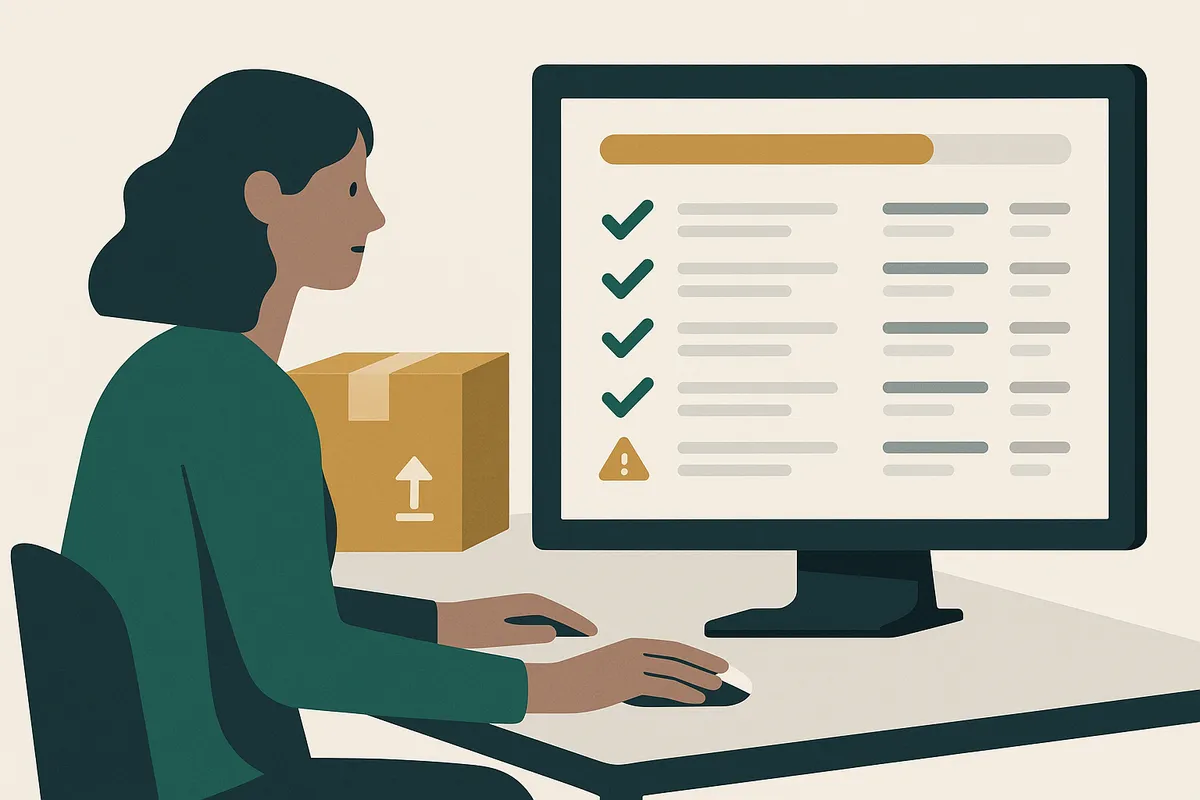
The most critical part of their process is goods receiving. When a container arrives, they scan every product against the PO using their phone. This catches short shipments (common — roughly 1 in 5 containers has a discrepancy), wrong items, and quality issues while the driver is still present.
Manage purchase orders without the spreadsheet chaos
Canopy gives Shopify brands the inventory clarity they need to grow.
Creating purchase orders: what triggers a reorder
The decision to create a purchase order should be data-driven, not gut-feel. Three approaches, from basic to sophisticated:
Manual review: Log into Shopify, check stock levels, create a PO when something looks low. This works for under 100 SKUs but breaks down quickly at scale — you cannot visually assess 1,000 products.
Reorder point triggers: Set a minimum stock threshold for each SKU. When stock drops below the threshold, create a PO. Better than manual but does not account for varying sales velocity or lead times — a static threshold treats a product selling 10/day the same as one selling 10/month.
Weeks cover triggers: Monitor weeks cover for every SKU. When cover drops below your lead time plus safety buffer, flag for reorder. This is the most intelligent approach because it naturally adjusts for sales velocity — fast movers get flagged earlier than slow movers.
Common purchase order mistakes that cost money
- Not tracking PO status — if you do not know which orders are in production vs in transit vs delivered, you cannot predict when stock will arrive
- Forgetting to include landed costs in PO valuations — a £5 product from China might actually cost £8.50 after duties, freight, and customs charges
- Not matching deliveries against POs — if you receive without checking, you may not notice short shipments until a stockout reveals the missing units
- Creating POs too late — for international suppliers, the time to reorder is when weeks cover drops below your total lead time, not when stock runs out
- Not consolidating orders — sending multiple small POs to the same supplier increases per-unit freight costs and factory setup charges
- Using email as your PO system — POs sent as email attachments get lost, versions get confused, and there is no audit trail for disputes
Tools for Shopify purchase order management
With Stocky shutting down, Shopify merchants need alternative PO management solutions. Your options range from free (spreadsheets) to comprehensive (dedicated inventory apps).
A well-structured Google Sheet or Excel template can handle basic PO management for brands with 1-3 suppliers and fewer than 10 open POs at a time. You need columns for PO number, supplier, products, quantities, costs, status, and dates. The limitation is that spreadsheets do not connect to your Shopify inventory — you are manually reconciling.
For brands beyond that scale, an inventory management app with built-in PO functionality saves hours per week. Canopy includes purchase order creation, supplier management with lead time modelling, goods receiving with barcode scanning, and automatic inventory updates when deliveries are confirmed. The PO ties directly into the weeks cover system — so your reorder triggers, purchase orders, and stock tracking all live in one connected workflow.
Frequently Asked Questions
No. Shopify does not include native purchase order functionality. Stocky previously provided basic PO management but is shutting down in August 2026. You need a third-party app like Canopy or a manual spreadsheet process to manage purchase orders.
A purchase order should include: PO number, supplier details, order date, expected delivery date, product SKUs, quantities, unit costs, total costs, payment terms, shipping method, and any special instructions. For international orders, also include incoterms and customs information.
It depends on your supplier count and lead times. A brand with domestic suppliers might have 3-5 open POs. A brand importing from China with multiple suppliers might have 15-20 open POs at various stages simultaneously. The key is having a system to track every PO's status.
Goods receiving is the process of checking incoming deliveries against the original purchase order. You verify that the right products arrived in the right quantities at the right quality. It catches short shipments, wrong items, and damage — problems that are much harder to resolve once the delivery driver has left.
Shopify does not support PO-to-delivery matching natively. You need an inventory app with goods receiving functionality. Canopy lets you scan incoming products with your phone and matches them against the original PO, flagging any discrepancies in quantity or product.
Spreadsheets work for brands with 1-3 suppliers and fewer than 10 open POs. Beyond that, the manual reconciliation between your spreadsheet and Shopify becomes error-prone and time-consuming. An integrated app saves hours per week and eliminates data entry errors.
Related pages
Related Articles
How to Calculate Weeks Cover for Shopify: Formula, Examples & Free Calculator
Learn how to calculate weeks cover for your Shopify store with the exact formula, worked examples using real data from a 2,845 SKU brand, and a free inventory calculator tool.
Stocky App Shutting Down: What Shopify Merchants Need to Do Before August 2026
Shopify's Stocky app is shutting down on 31 August 2026. Here's what happens to your purchase orders, demand forecasting, and stock reports — and the best Stocky replacements to migrate to.
Get early access to Canopy
The inventory system built for Shopify brands. No spam — just a heads-up when we launch.